

Externe HTML-Editoren
Öffnen von HTML-Seiten mit dem eingebauten Texteditor
Wenn Sie Ihre HTML-Seite mit einem externen Editor erstellt haben, öffnen und speichern Sie diese nicht mit dem eingebauten Texteditor. Es können dabei ggf. Teile der Formatierung sowie interaktive Funktionen verloren gehen.
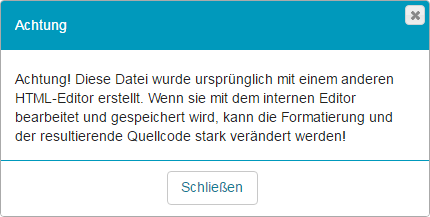
Die Lernplattform zeigt Ihnen folgende Information an, sobald Sie eine solche HTML-Seite bearbeiten möchten.
Verlinkungen
Alle Links öffnen sich standardmäßig im gleichen Fenster bzw. Browser-Tab. Dabei wird der verlinkte Inhalt auch auf der gesamten Seite angezeigt und nicht nur im Inhaltsbereich der Kursstartseite bzw. des Kursbausteins. Wenn Sie dieses Verhalten ändern möchten, müssen Sie folgende Anpassungen an Ihren Links im HTML-Code vornehmen:
Open HTML pages with the built-in text editor
If you created your HTML page with an external editor, do not open and save it with the built-in text editor. Otherwise, parts of the formatting and interactive functions may be lost.
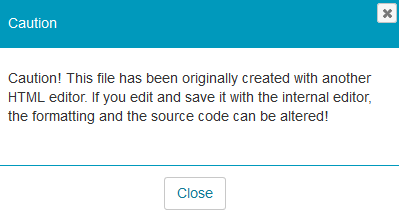
The learning platform will show you the following information if you try to edit such an HTML page.
Links
By default, all links open in the same window or browser tab. The linked content is also displayed on the entire page and not only in the content area of the course home page or the course element. If you wish to change this behaviour, you need to make the following adjustments to your links in the HTML code: