Group tools
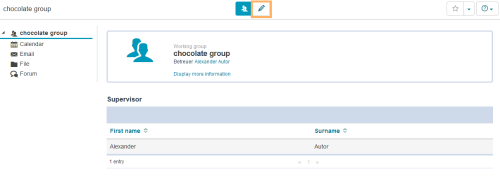
Last modified by Carina Enke on 12.01.2024
Tool types
Add or remove group tools
To add tools to your group or to remove them, proceed as follows:
1 | Open the group in the editing mode. |
|
2 | In the section Group-Tools, you can see all available tool types. |
|
3 | To add a new tool, select the checkbox in front of the desired tool. Configure additional settings for individual tools. | |
4 | To remove an existing tool, click on an already selected checkbox. The checkmark will then be removed. | |
5 | Confirm your settings with Save at the bottom of the page. |