Move Content
Version 454.1 von Carina Enke am 20.12.2023
|
|
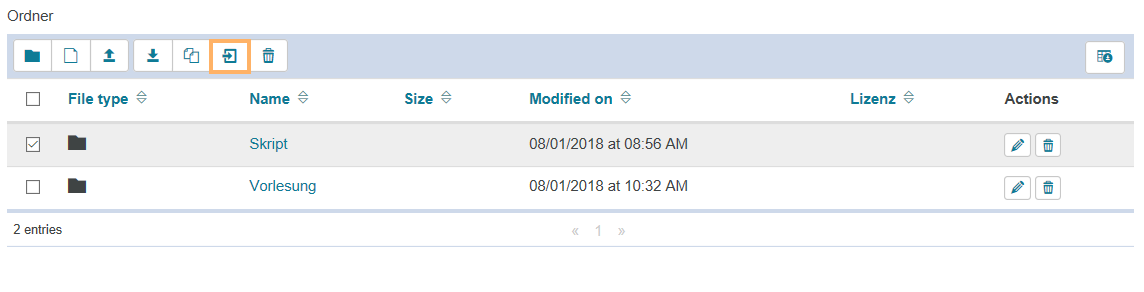
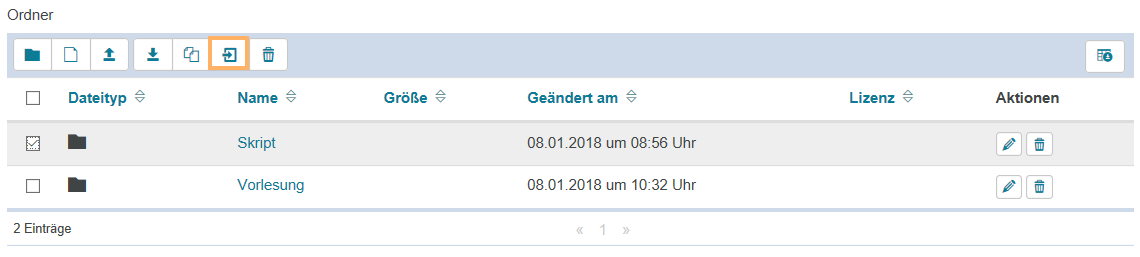
3. Klicken Sie nun auf das Symbol Verschieben. |
|
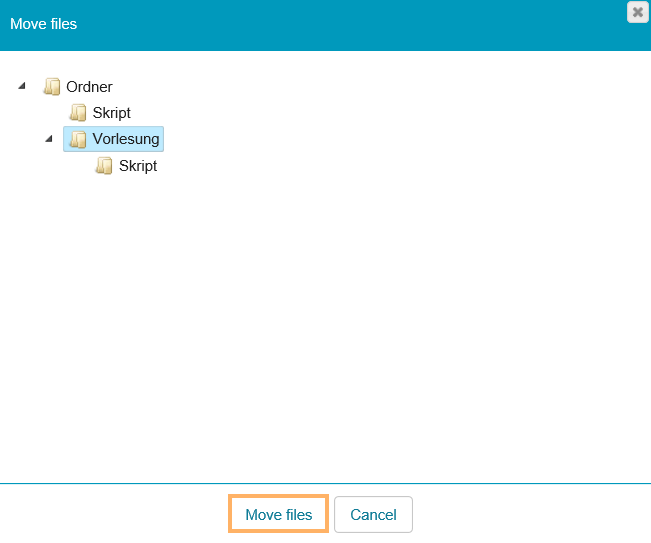
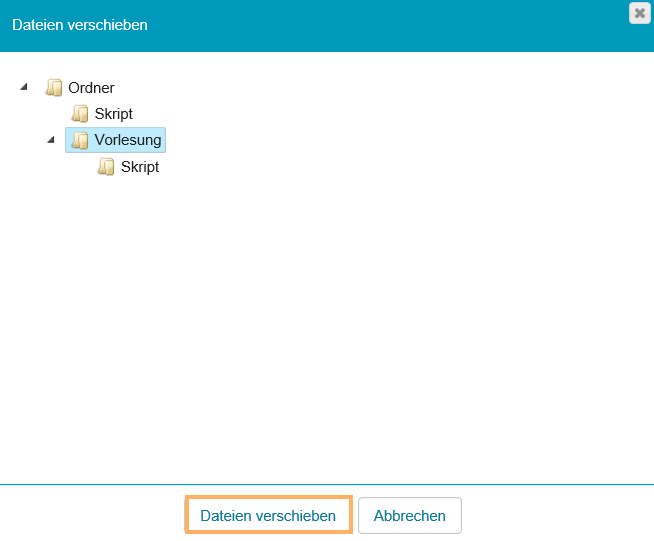
4. Wählen Sie anschließend aus, wohin die Elemente verschoben werden sollen und bestätigen Sie den Vorgang mit der Schaltfläche Dateien verschieben. |
|
|
|
3. Click on the move folder icon. |
|
4. Then select the location where you want to move the files and confirm the process with Move files. |
|