Edit Calendar
Last modified by Carina Enke on 18.11.2025
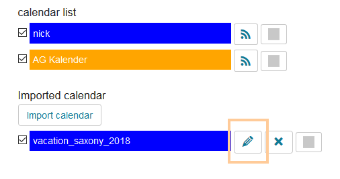
Calendars you are allowed to edit are followed by a pencil icon.
To edit a calendar, proceed as follows:
- Open the calendar. Below the appointment sheet, you will find the calendar list, which includes all calendars associated with this calendar as well as all imported calendars.
- Click the pencil icon next to the calendar name and make your desired changes.
- Confirm all changes with Save.