Edit Content
Last modified by Anna Paul-Hasenfuss on 15.06.2026
This feature allows you to edit content. Depending on the selected resource, you have access to various editing functions. These include, for example, assigning and mapping metadata. For more information about metadata in OPAL, visit the Metadata page.
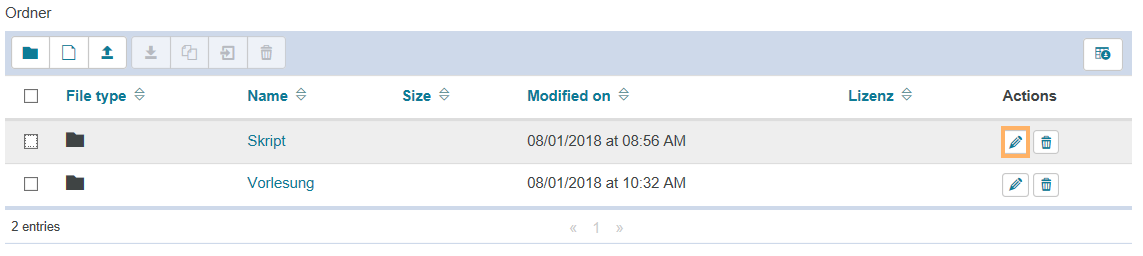
Open the relevant course element. Click on the pencil icon next to the content you want to edit. |
|
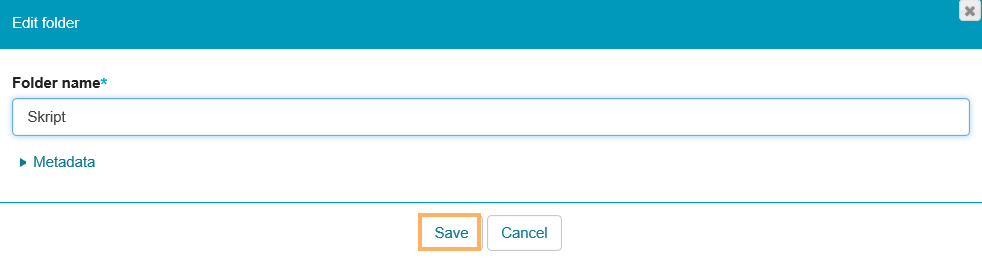
Make your desired changes and click on Save. |
|