

External user role
The "external user” role is assigned to a person who logs on to the learning platform via self-registration.
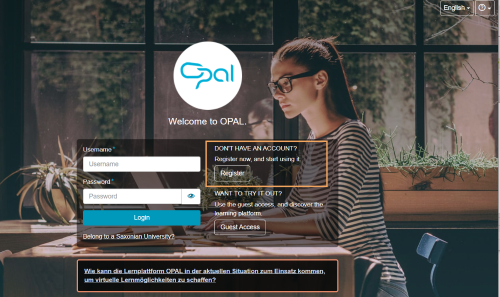
An external user is granted extended guest rights in the learning platform. Both guest and external users cannot use all functions in all course elements compared to a registered standard user. The tables on this page provide an overview of the range of functions in the individual course elements.
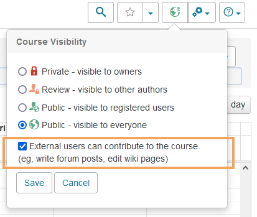
With an additional publication option, it is possible to put external users in a course on a level with registered standard users. External users will then also have access to all course element functions. The added value of this setting can be seen in the following tables. For further guidance on publishing courses, refer to the General access to courses and resources help page.
Comparison of course element functions per publication status
More Information Comparison of course element functions per publication status
Add external users to groups
For data protection reasons, external users cannot be added to groups in the group management. Although you can find external users (belonging to the same institution) via the search, you will receive an error message when trying to add them. Therefore, you should always allow external users to self-enrol in groups (Enrolment course element).