Guest mode option
Users have requested a simpler way to apply the expert rule for excluding guest users. This enhancement has been available since release 13.5.1 and introduces the following changes:
So far
By now, you are no doubt familiar with the existing settings for access to and visibility of course elements:
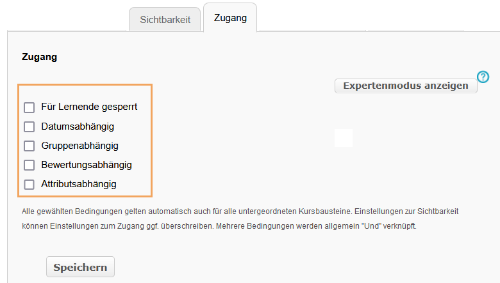
Expand to see the effects of the “Blocked for learners” option ...
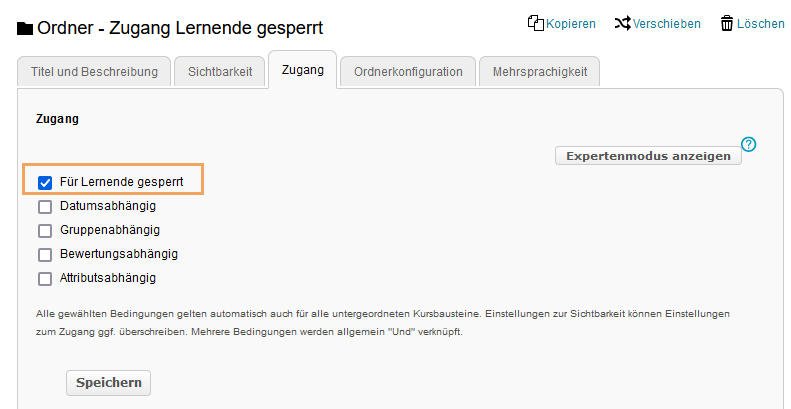
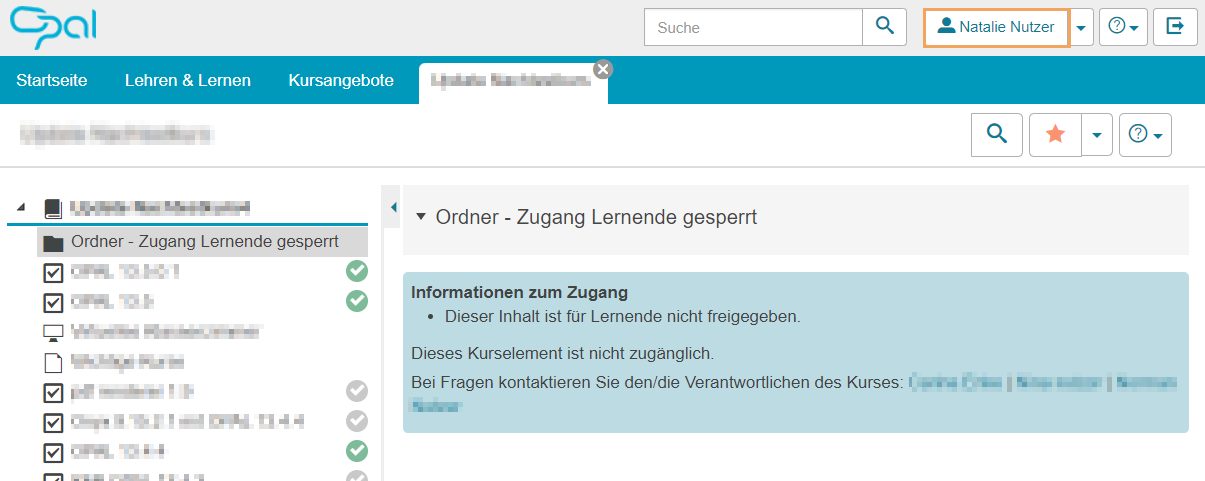
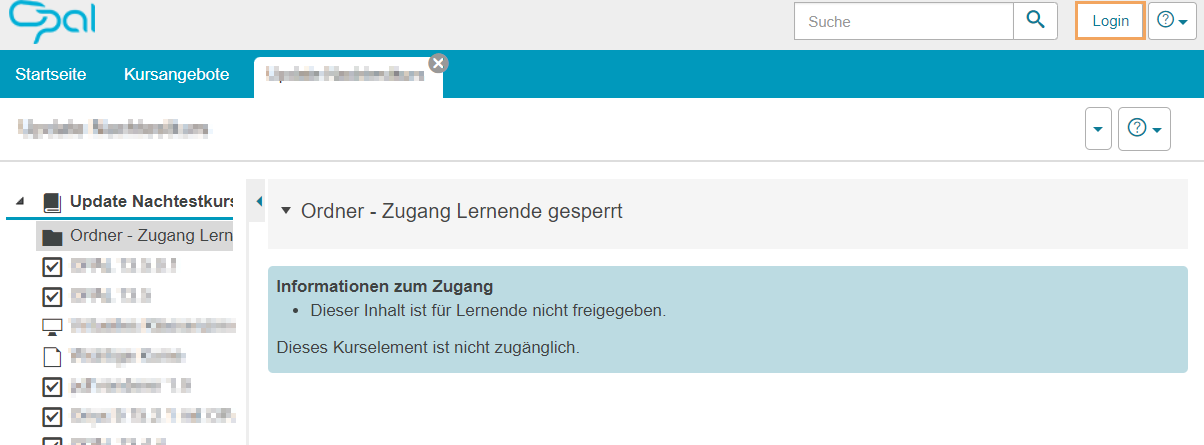
Activated "Blocked for learners" option
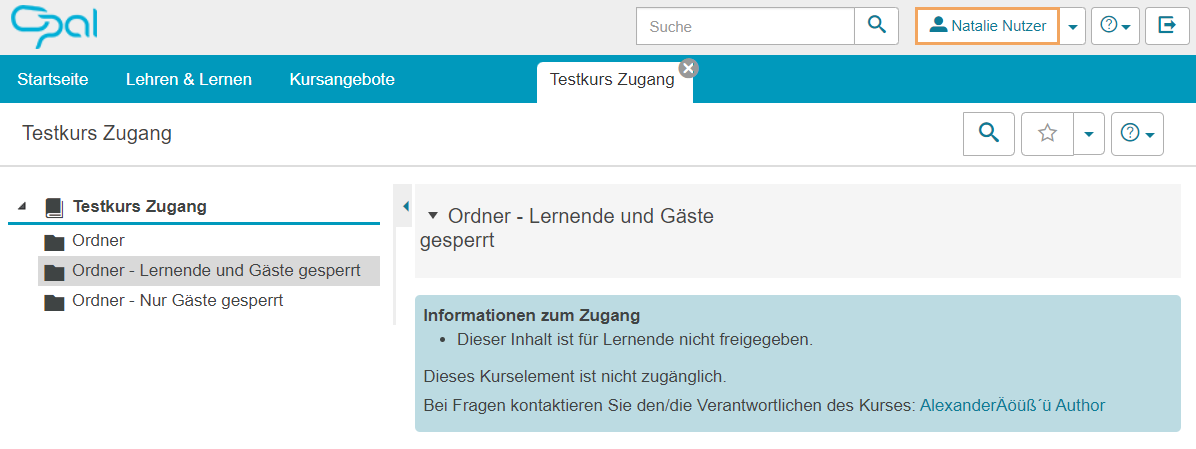
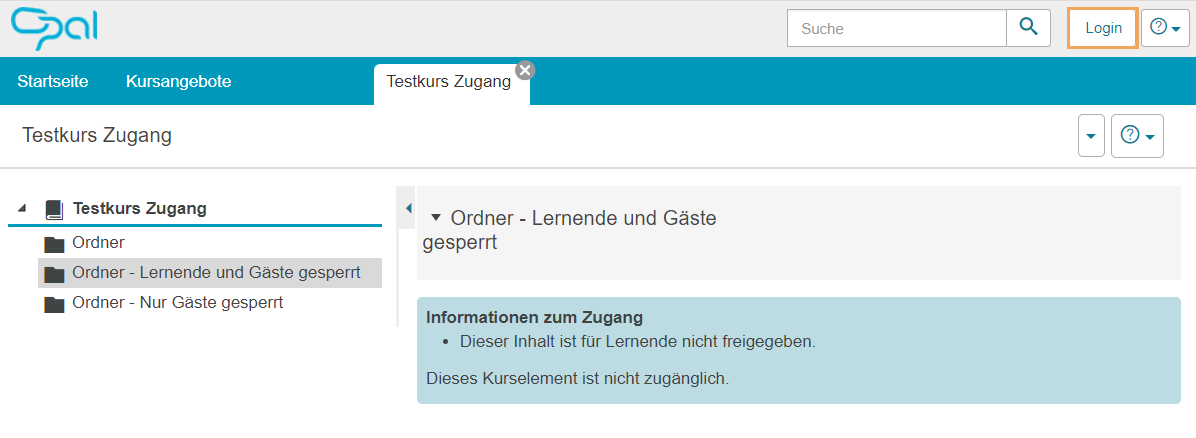
Once the ‘Blocked for learners’ option has been activated, only course administrators or users with extended rights will have access to the relevant element or sub-function. If this setting applies to a course that is open to guests (i.e., users who are not logged in), they are also automatically denied access.
| Option enabled in a public course | View as a registered user | View as a guest user |
|---|---|---|
|
|
|
Disabled "Blocked for learners" option
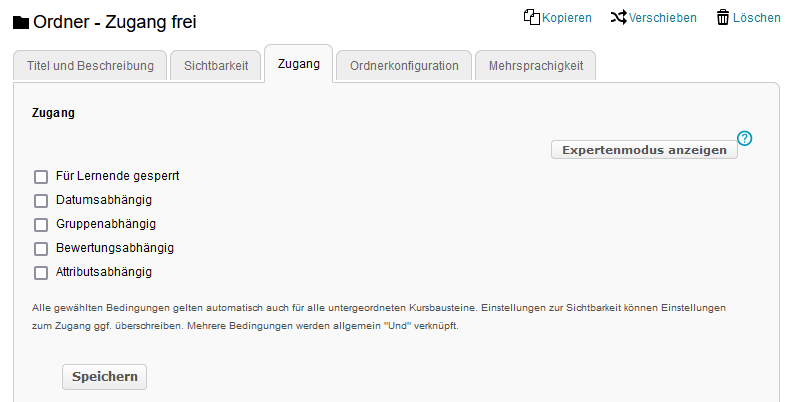
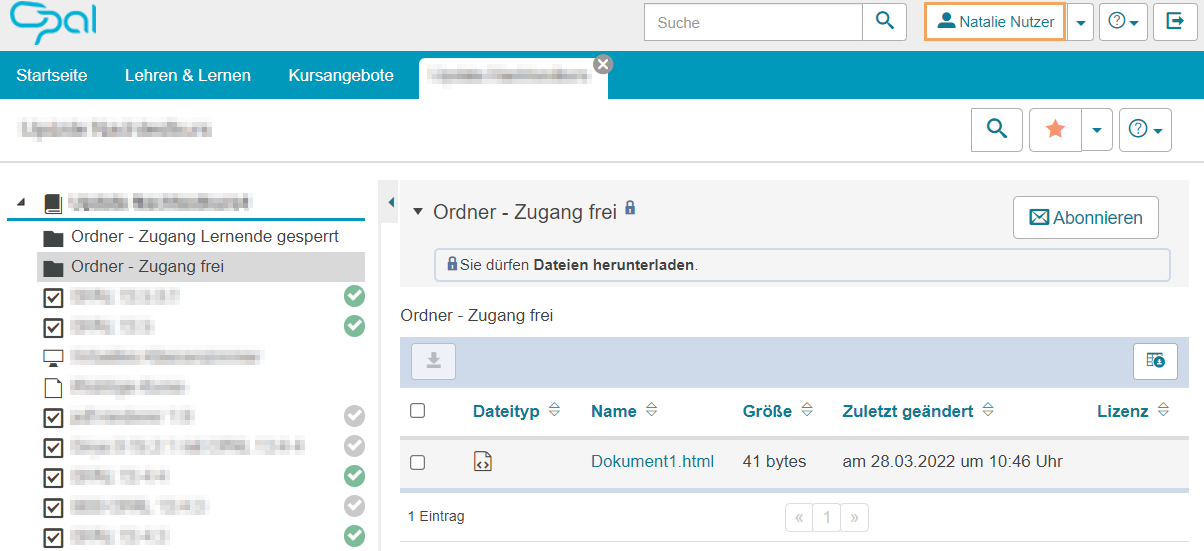
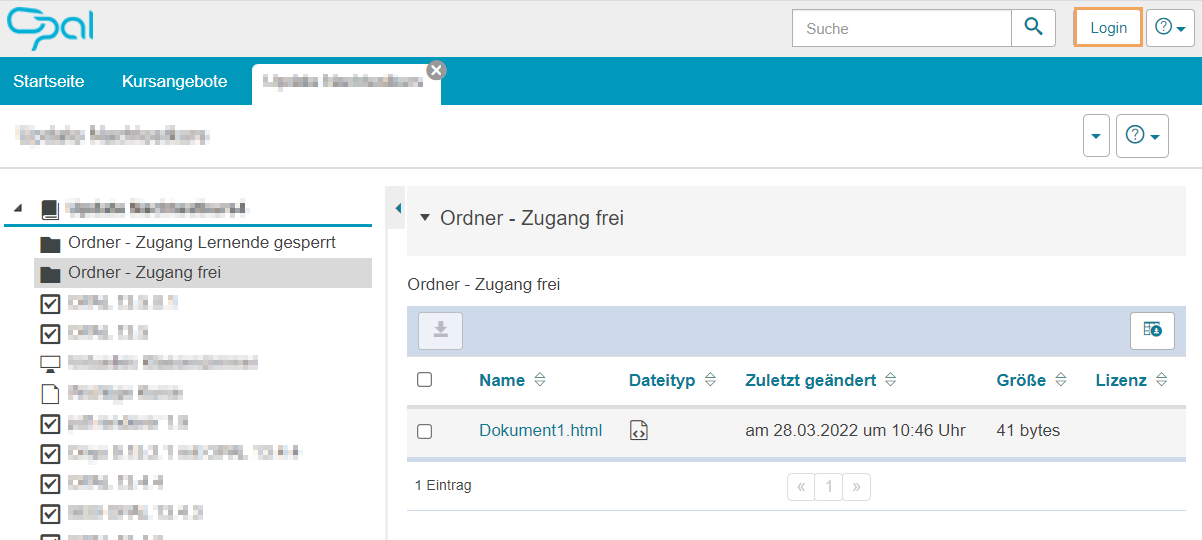
Deactivating the checkbox means that users with the ‘Learner’ role will have access to the relevant content, provided that other settings did not prevent it. In a public course, this also means that guests will have access to the content of the course module.
| Option disabled | View as a registered user | View as a guest user |
|---|---|---|
|
|
|
Guest user expert rule
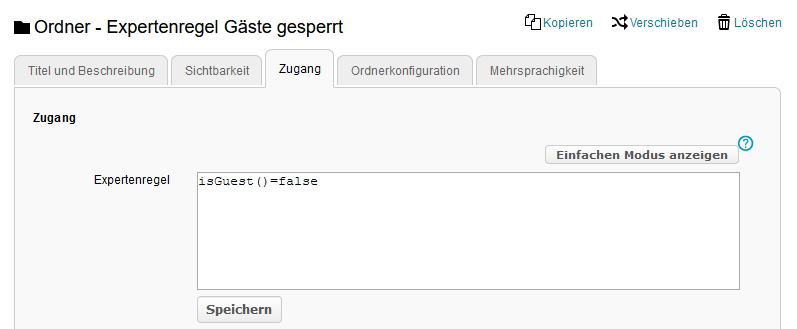
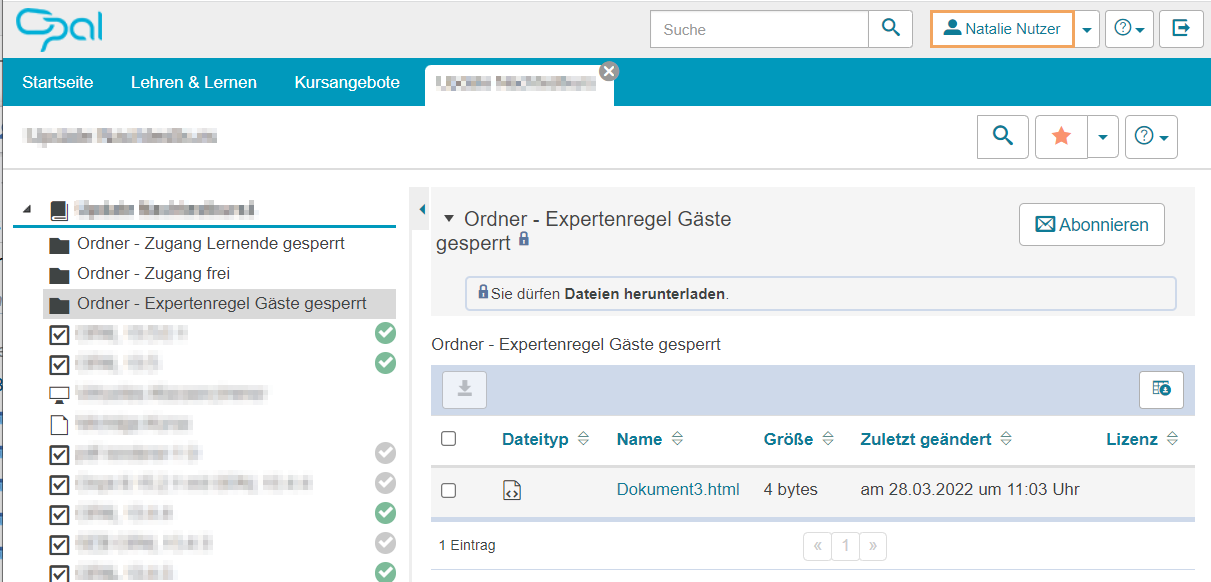
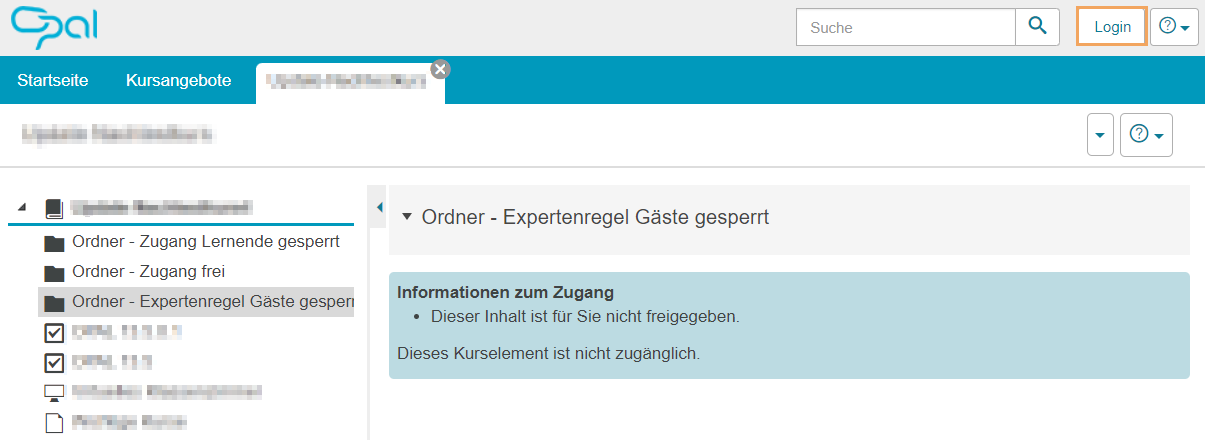
In courses with the publication status  "Public – Visible to everyone," the availability of functions for guest users could only be controlled by applying Expert rules.
Expert rule 'Blocked for guests' | View as a registered user | View as a guest user |
|---|---|---|
|
|
|
What's new
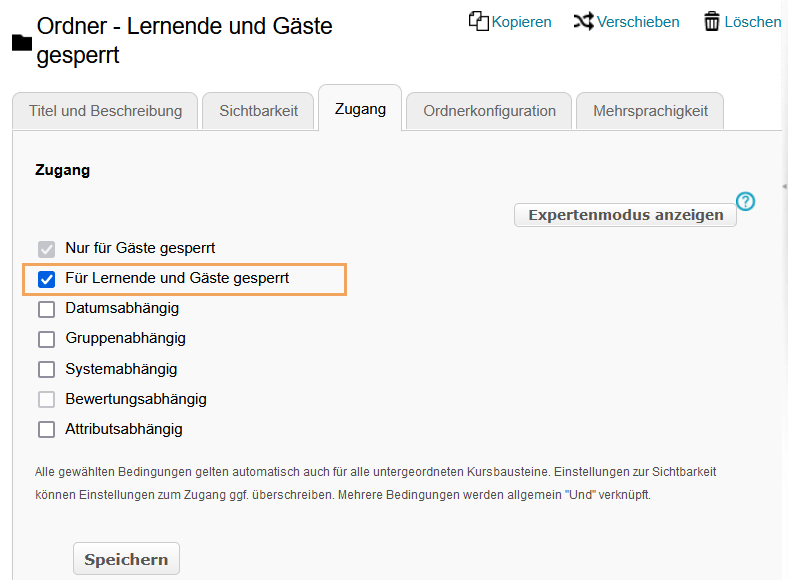
With the release of OPAL 13.5.1, this expert rule is now also available via a checkbox labelled, ‘Blocked for guests’. The text for the ‘Blocked for learners’ checkbox has been updated. It now reads, ‘Blocked for learners and guests’.
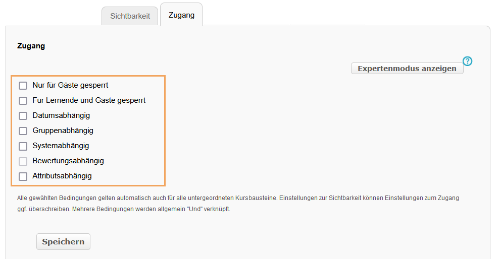
It is still not necessary to always tick this box, as the basic access settings for guests via the Publication status control have not been changed. A course with the status  "Public – for registered users" remains inaccessible to guests.
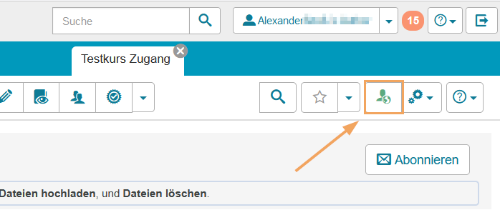
| Option disabled | View as a registered user | View as a guest user |
|---|---|---|
|
|
|
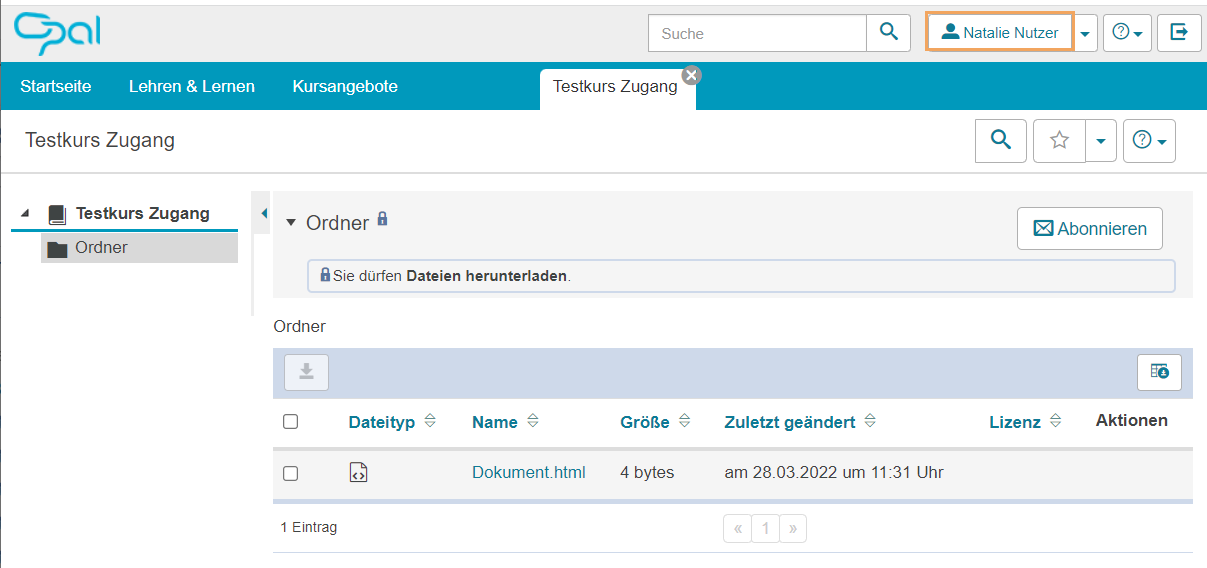
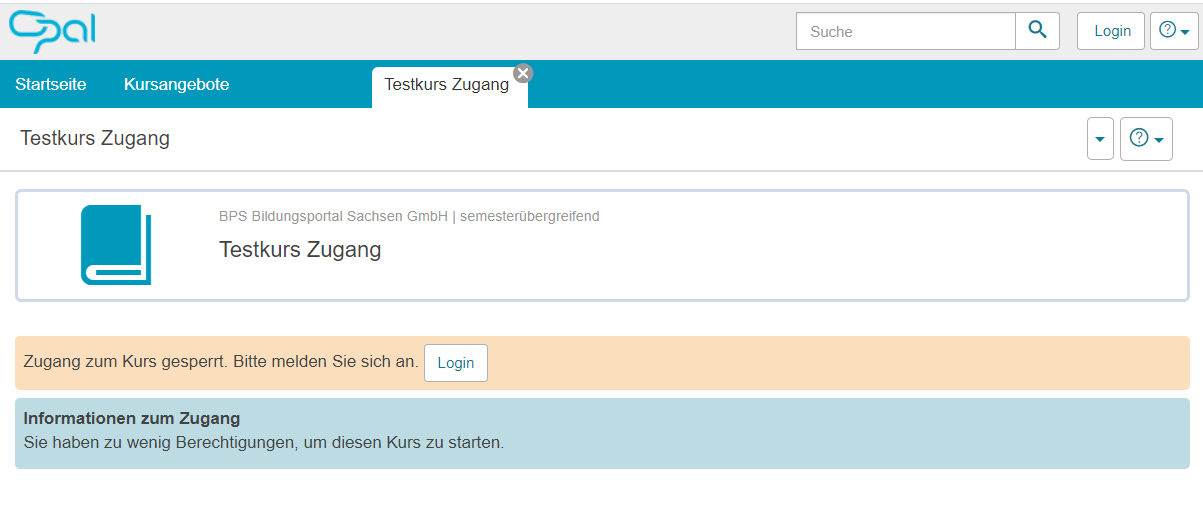
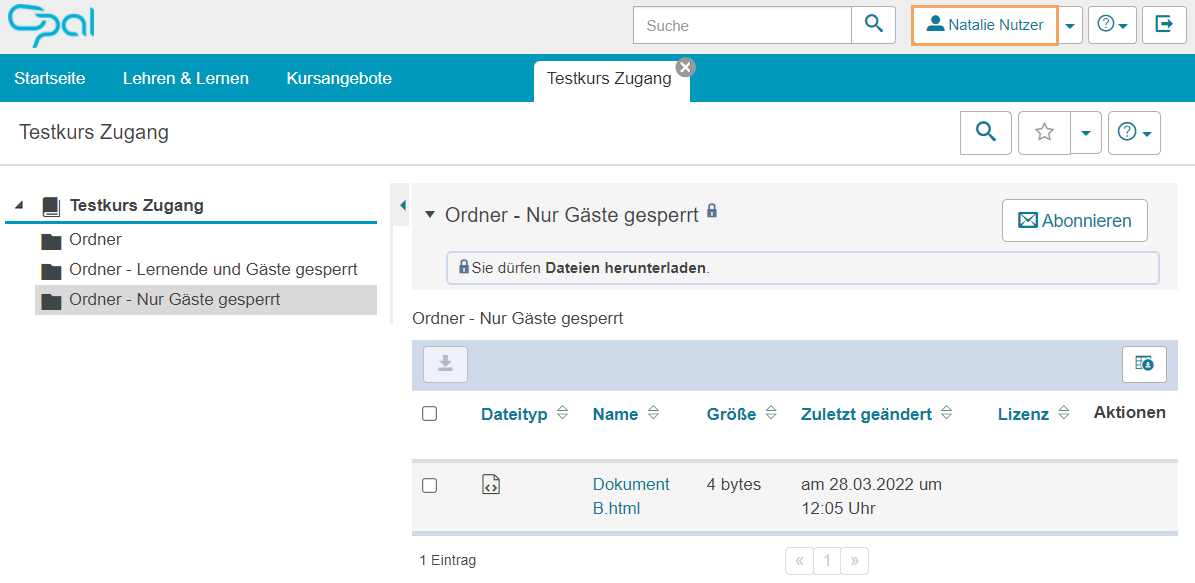
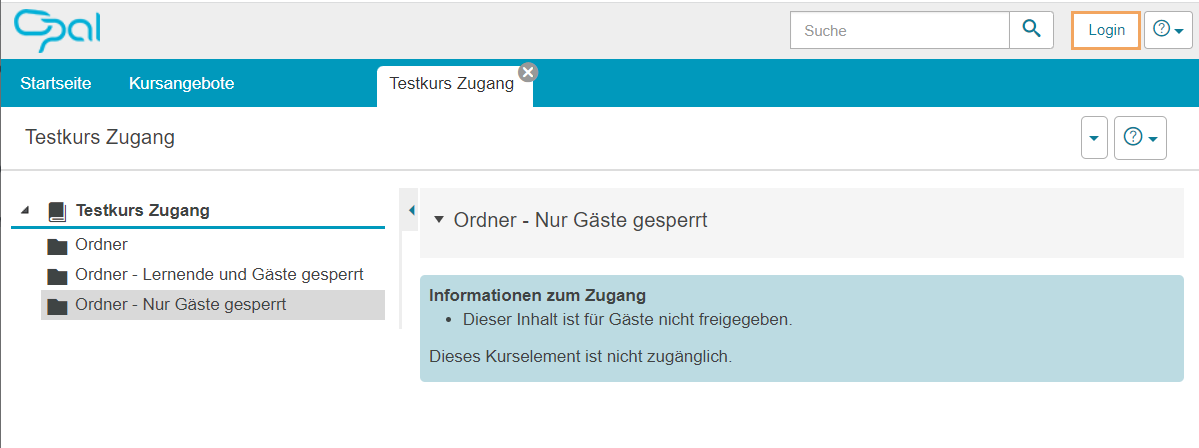
"Only blocked for guests" option
The ‘Blocked for guests’ checkbox is always useful when a course is public and you want to hide certain elements from users who are not logged in (i.e. guests), but want these elements to be available once they have logged in.
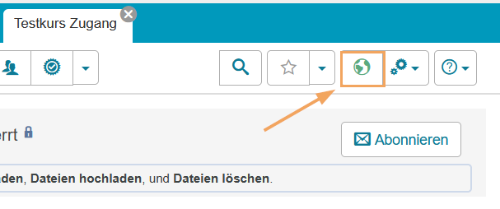
"Only blocked for guests" | View as a registered user | View as a guest user |
|---|---|---|
|
|
|
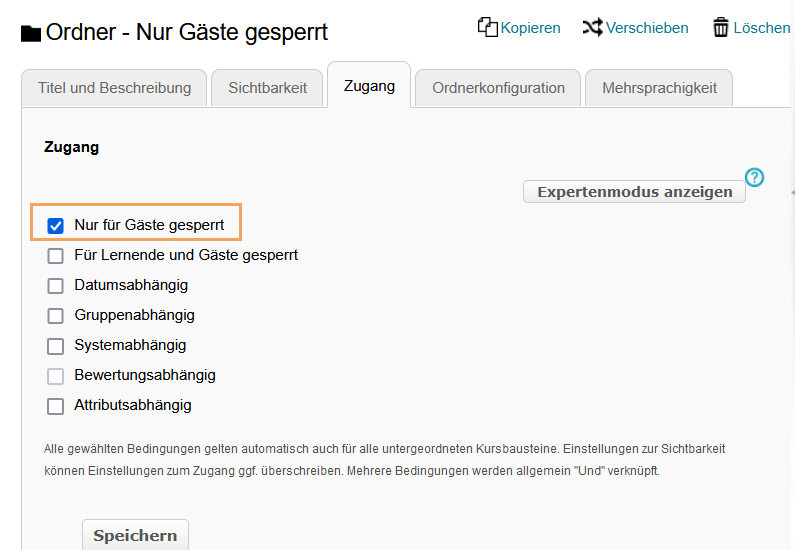
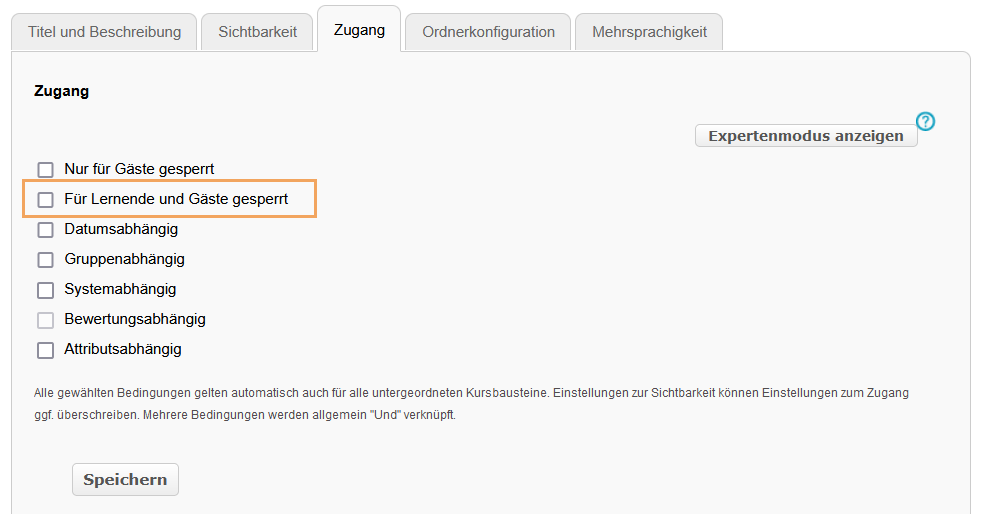
"Blocked for learners and guests" option
The use of the renamed checkbox "Für Lernende gesperrt" has not changed.
"Blocked for learners and guests" | View as a registered user | View as a guest user |
|---|---|---|
|
|
|